0106
Capture
Keep the useful parts of your day.
Eligible clipboard text, links, images, rich text, and files can enter a private workspace. You can also write notes and import supported files deliberately.
capture → local library↗
Private knowledge workspace · macOS
VanX keeps eligible clipboard captures, notes, links, images, and files in a local library, then helps you search and work with them on your Mac. Optional web features stay off until you choose them.
$9.99 USDUS price30 usage days + one optional self-serve seven-usage-day extension
Core works offlineCapture, storage, search, and intelligence.
Theme identitiesFive Advanced themes and four Classic themes.
Launch priceOne time. No VanX account.
Cloud inferenceBundled multilingual MiniLM stays local.
The premise
VanX turns supported captures and the material you add deliberately into a private, searchable library—processed on device and available when you decide to look for it.
Eligible clipboard text, links, images, rich text, and files can enter a private workspace. You can also write notes and import supported files deliberately.
Full-text search and bundled multilingual MiniLM work together on your Mac, with keyword results available while semantic indexing warms up.
Workspaces, notebooks, notes, briefs, and local relationship views help you arrange the material you chose to keep.
In Advanced mode, use Compare, Compose, Map, Research, and other Lab tools when you choose to turn saved material into working context.
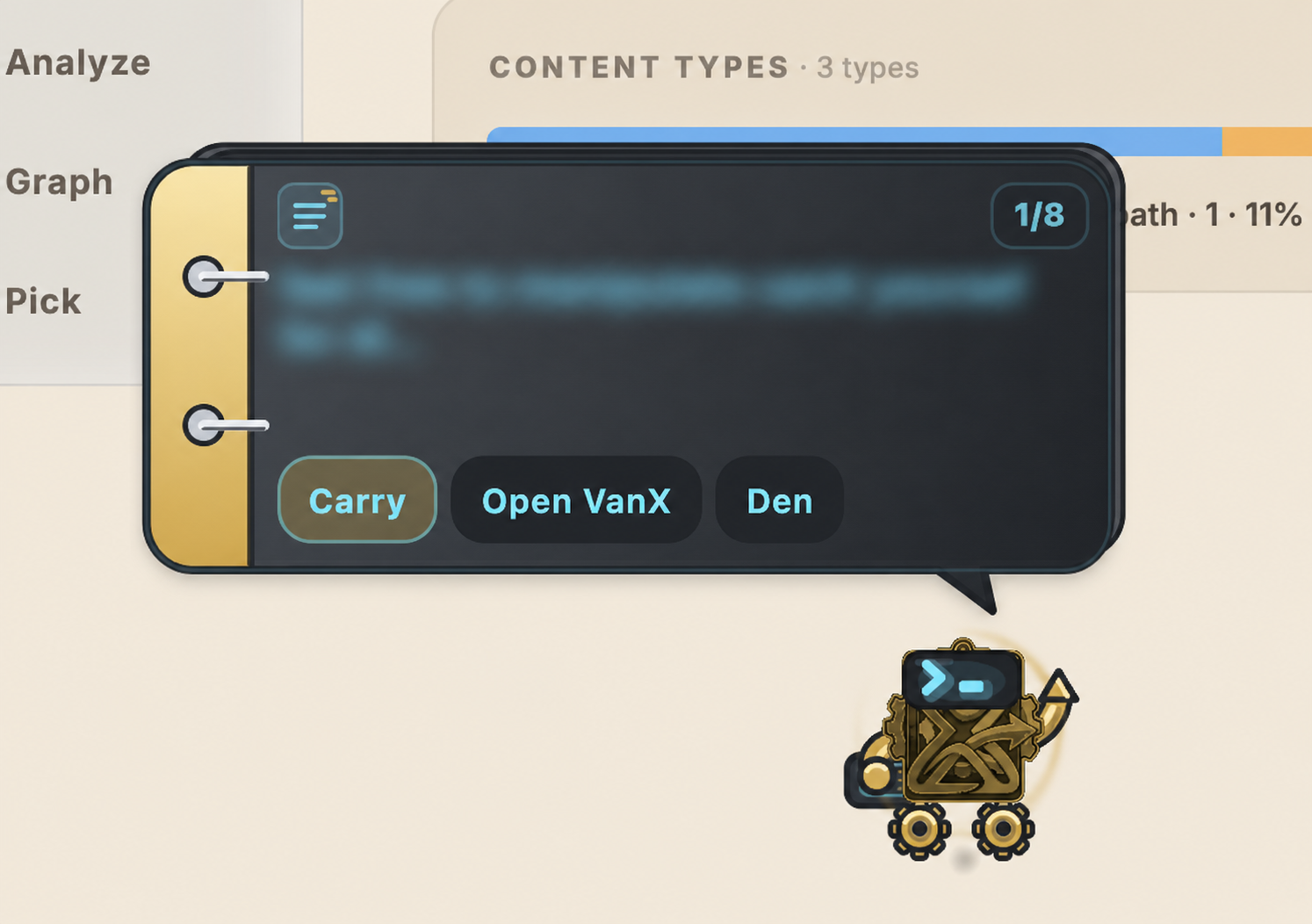
In Advanced mode, Xan can show up to eight privacy-filtered recent clips, copy one, or Carry exactly one item for you to drag into another app.
After the trial, your existing library remains readable, searchable, exportable, and backup-capable. Unlocking restores new capture and editing.
Meet Xan · Advanced mode
Xan keeps a privacy-filtered rolodex of recent clips close and can Carry one item while you move between apps. Scroll to browse, click to copy, or drag the carried item out. Send Xan back to the Den whenever you want a quieter desktop.
Xan mirrors VanX status and accepts dropped text, links, and files through the normal capture flow. Xan does not answer questions, generate text, or send your library to a cloud model.
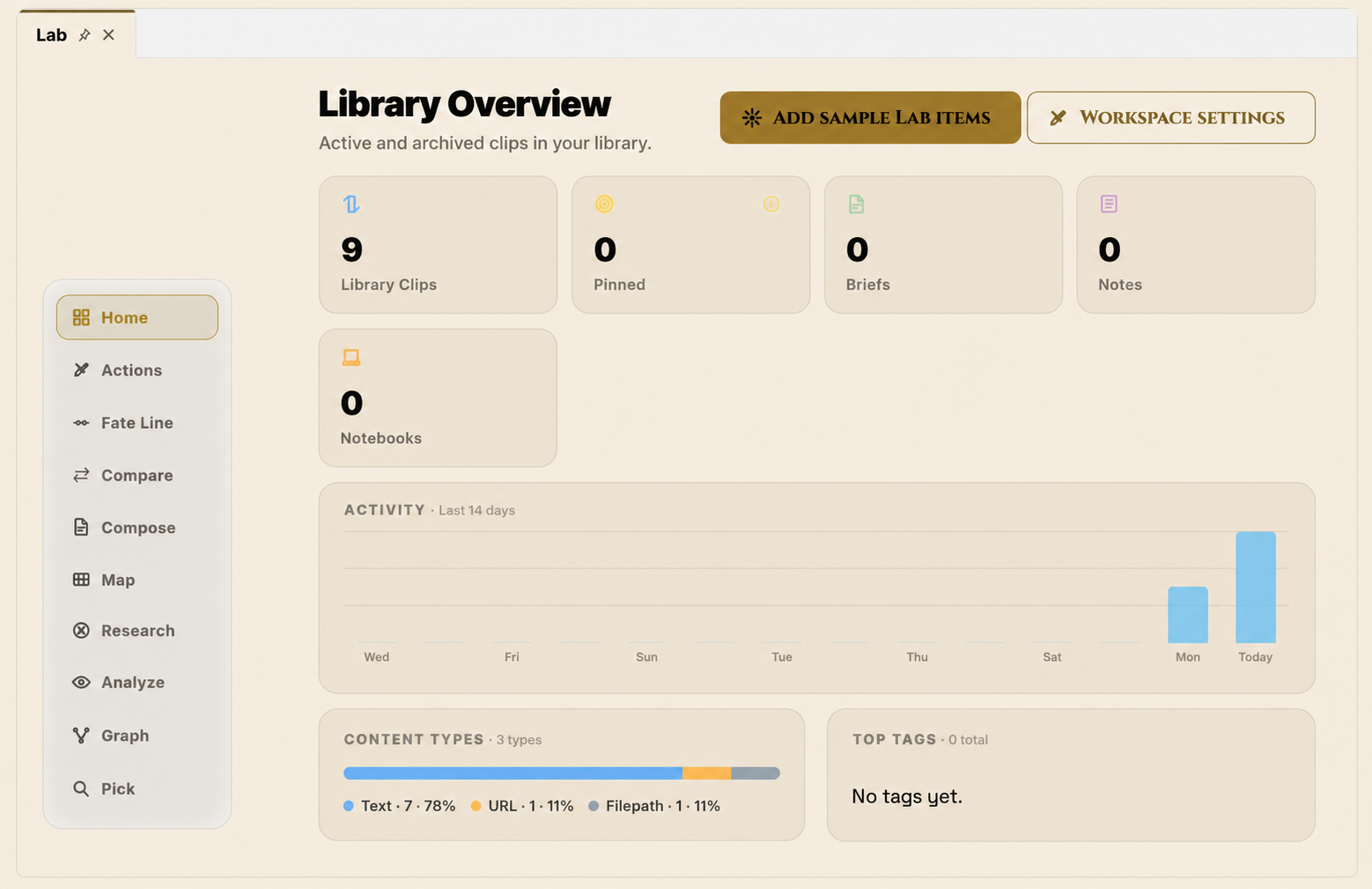
Current build captures
These are current VanX screens supplied from the running app. Crops and privacy redactions are labelled; no feature state has been fabricated for the website.
VanX does not have a skin
VanX has five Advanced theme families and four Classic theme families. Mode chooses the family; Light, Dark, or System appearance is a separate setting.
Tahoe is the Classic default and Bioglow is the Advanced default. Switching mode swaps theme families and restores the last selection.
Offline-first is an architecture
Your library, search index, embeddings, and keys live on this Mac. VanX has no VanX account, advertising, third-party analytics, or automatic telemetry upload.
CORE / ALWAYS LOCAL
NETWORK / OPTIONAL + DEFAULT OFF
Requests a saved site’s icon. If direct lookup fails, fallback can send only the bare hostname to icons.duckduckgo.com.
Requests the public page so title, summary, terms, and a richer preview can be built locally. Preview rendering may fetch page images or styles with JavaScript disabled.
Requests bounded audio or video from the hosting site only after you enable previews and press Play.
A bounded Research run can request public pages only after you review its exact query, source, allowed domains, and page budget, then confirm that run.
All four are default-off. Web Sources also requires review and confirmation for each bounded Research run. These features do not upload raw notes, clipboard history, embeddings, or databases.
Read the complete privacy policy ↗US price
$9.99Start with 30 actual usage days. If you need longer, activate one self-serve seven-usage-day extension. No card is required for the trial.
After the trial, VanX becomes read-only until unlocked: new captures, notebooks, note editing, and AI processing pause. Your existing library remains readable, searchable, exportable, and backup-capable.
Buy on the Mac App Store · $9.99$9.99 one time · storefront pricing may varyTHE WHOLE PRODUCT
The manual is part of the product
The complete in-app VanX help library now lives here too: 38 guides, 15 sections, keyboard shortcuts, privacy explanations, advanced workflows, and troubleshooting.